
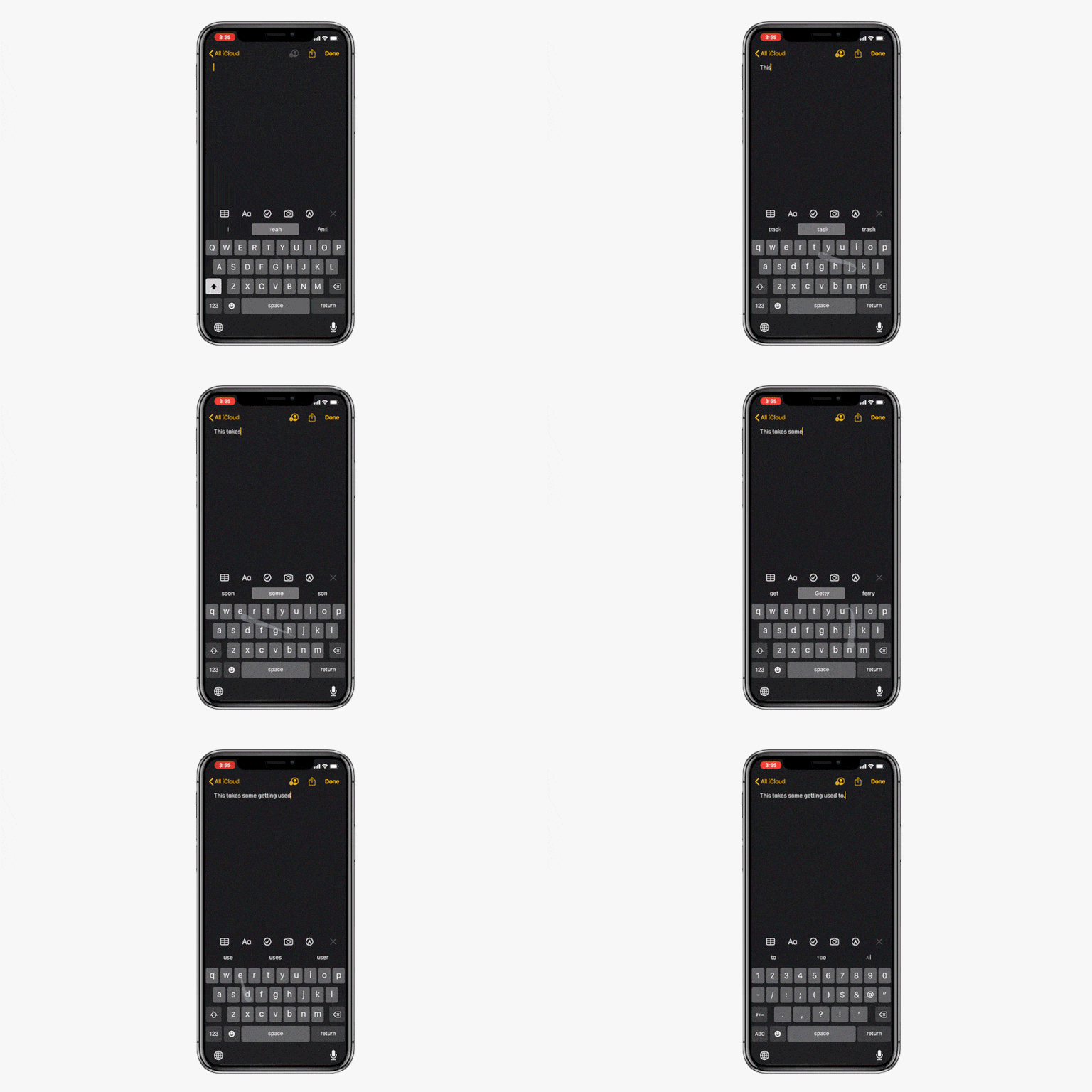
Swipe-style keyboards have been popular on Android devices for a while now. It wasn’t until a few months ago that Apple allowed users to install third-party keyboards like Gboard to add the functionality. Now you don’t have to even have to go to the App Store to install one.
If you want to use Apple’s new QuickPath typing just install iOS 13, then compose a message like you normally would. To “type,” drag and hold your finger or thumb on each letter of the word you’re trying to spell. This may take some getting used to.